How to Create UAE PASS without Emirates ID (Online Registration)
Living in the UAE without an Emirates ID yet? Maybe you’re a fresh expat, a tourist extending your stay, or waiting on residency paperwork—good news: You can still sign up for UAE PASS and tap into handy government services right from your phone. UAE PASS is the country’s digital key, letting you log into 100+ apps like MOHRE, Dubai Now, or ICA without passwords.
In 2025, the basic account setup takes just 2 minutes via the app, no ID needed—just your name, mobile, and email. I’ve helped a buddy new to Dubai create his while his visa processed, and it unlocked job portals instantly. This guide walks you through the steps, features, limitations, account types, and upgrades. Let’s get you connected fast.
What Is UAE PASS and Why Register Without Emirates ID?
UAE PASS is the official digital identity app from the UAE government, launched in 2018 and now used by 12+ million people. It replaces logins with a secure PIN or biometrics, accessing services like visa renewals, bill payments, or document signing across federal and local entities.
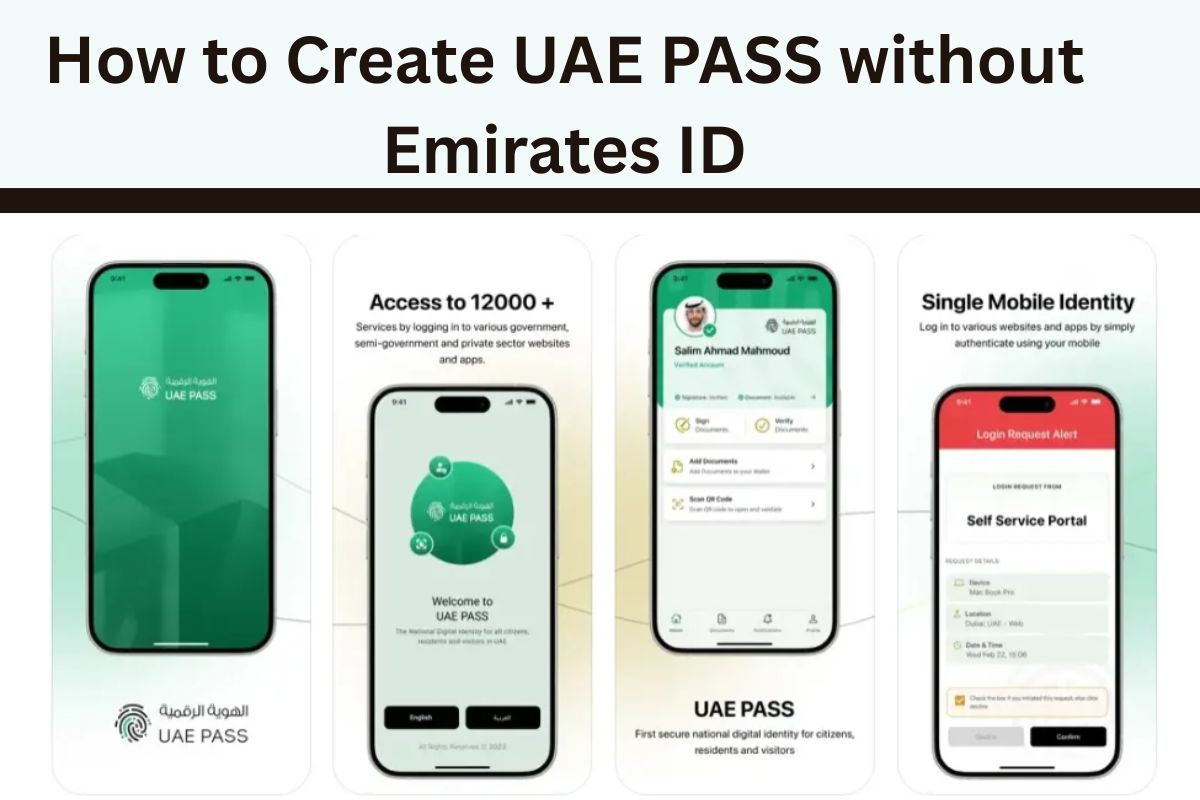
Without an Emirates ID? No problem for the Basic Account—perfect for newcomers or visitors. It verifies via OTP on your phone/email, giving limited but useful access. In 2025, with UAE’s push for paperless everything, even tourists use it for Dubai Police fines or RTA services. Full verification (Advanced/Qualified) needs ID later, but basic starts your journey. Download the app—free on iOS/Android—and you’re set.
Step-by-Step: Create UAE PASS Account Without Emirates ID
Grab the UAE PASS app first—search “UAE PASS” on App Store or Play Store. Here’s the 2025 process (takes 2-3 minutes):
Open the App: Launch UAE PASS—home screen loads with login options.
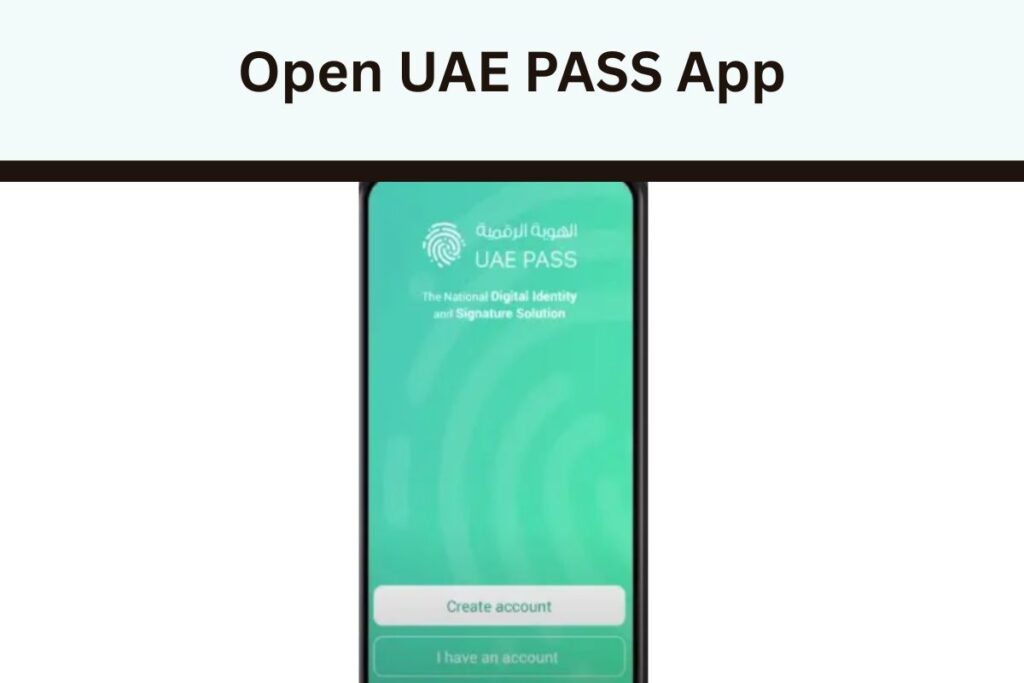
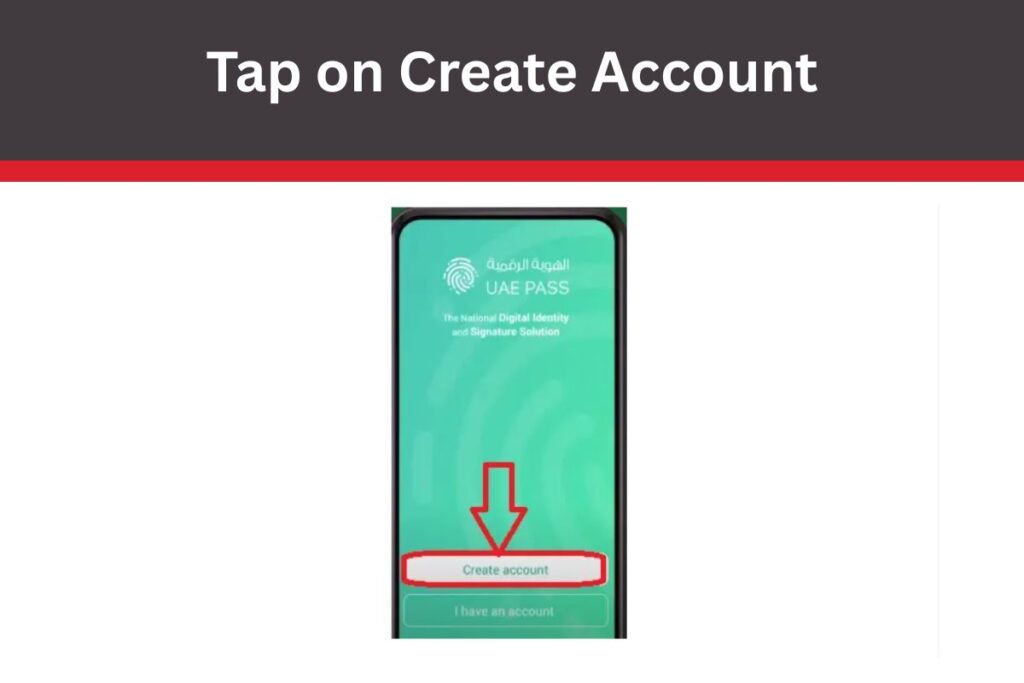
Tap Create Account: Skip “I have an account”—hit “Create Account.”
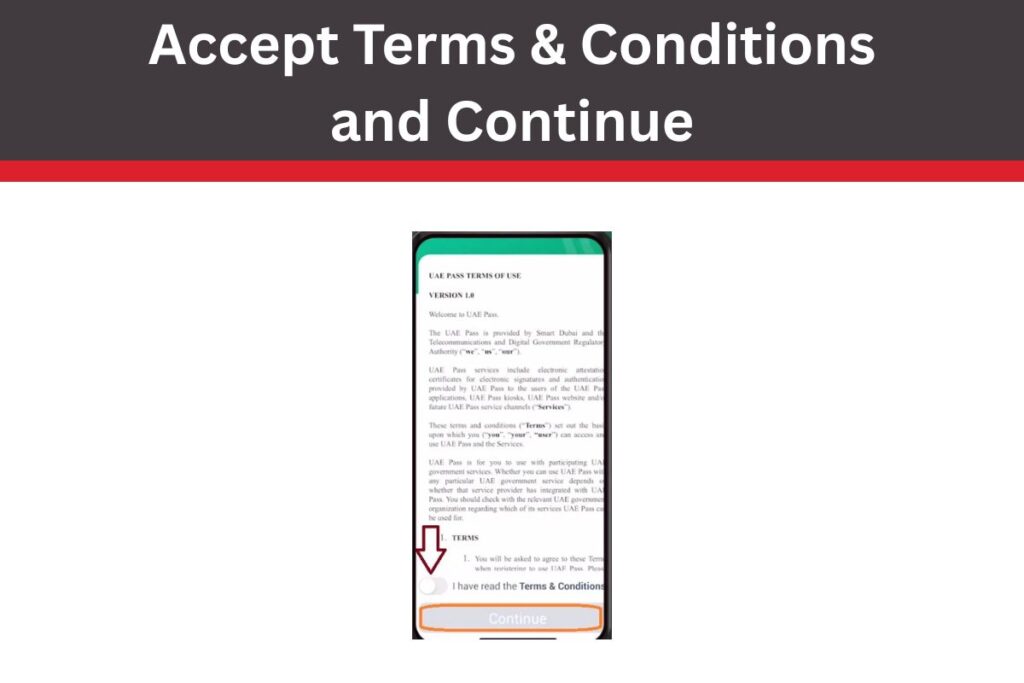
Accept Terms: Read (or skim) the T&Cs, toggle agree, tap Continue.
No Emirates ID: When asked “Do you have an Emirates ID?”, select “No, I don’t have an Emirates ID.”
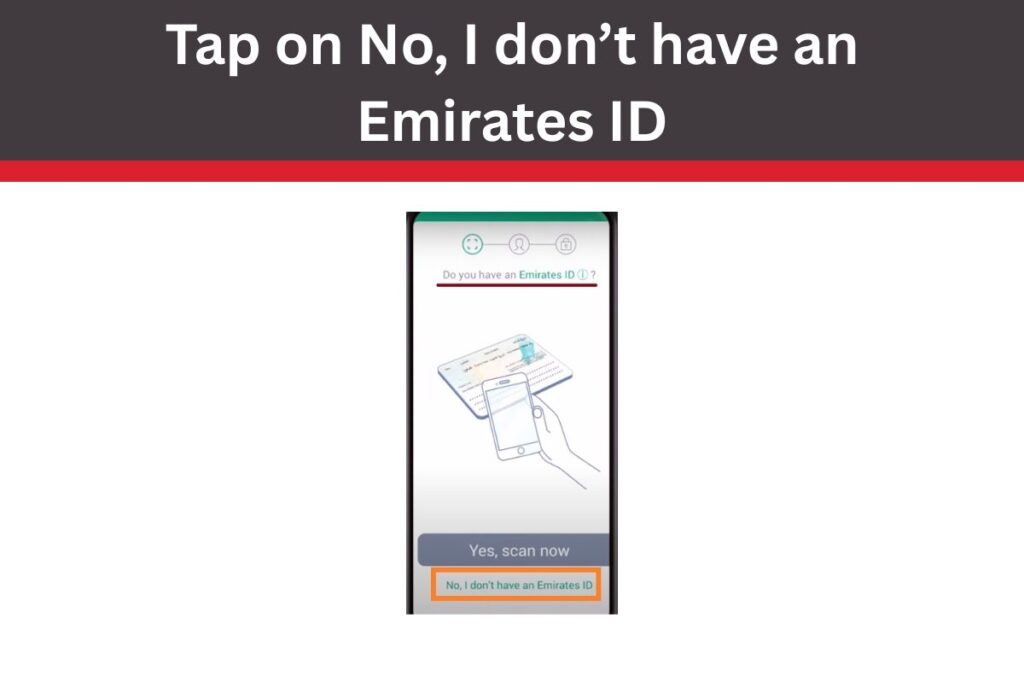
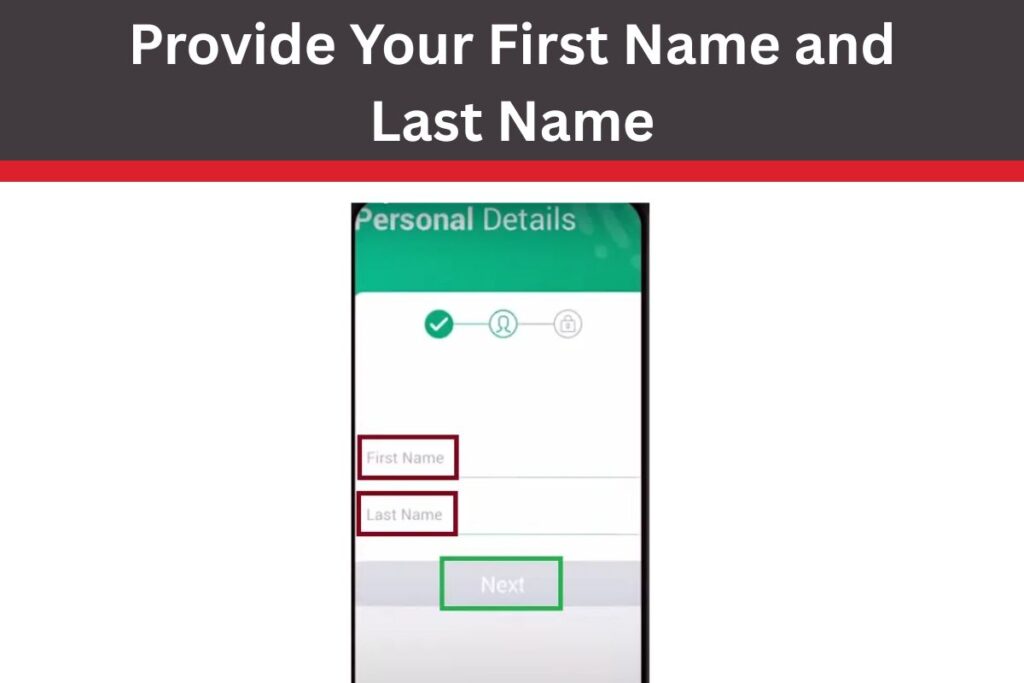
Enter Name: Type First and Last Name exactly as on your passport—tap Next.
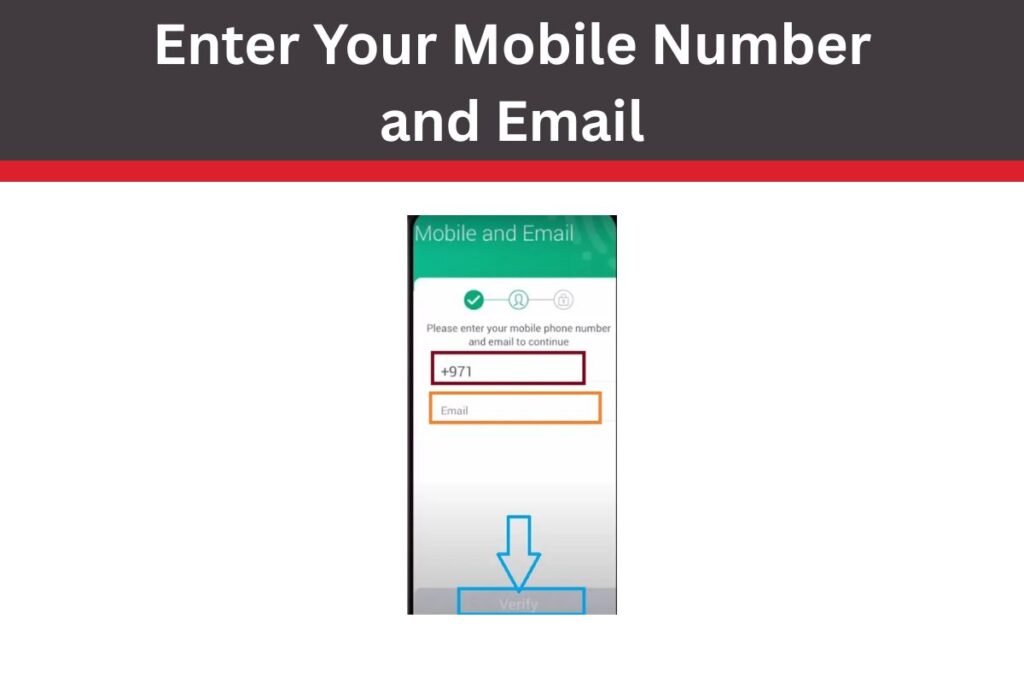
Add Mobile & Email: Input active UAE mobile number and email—tap Verify.
OTP Verification: Enter 6-digit code from SMS, then email code—tap Create PIN.
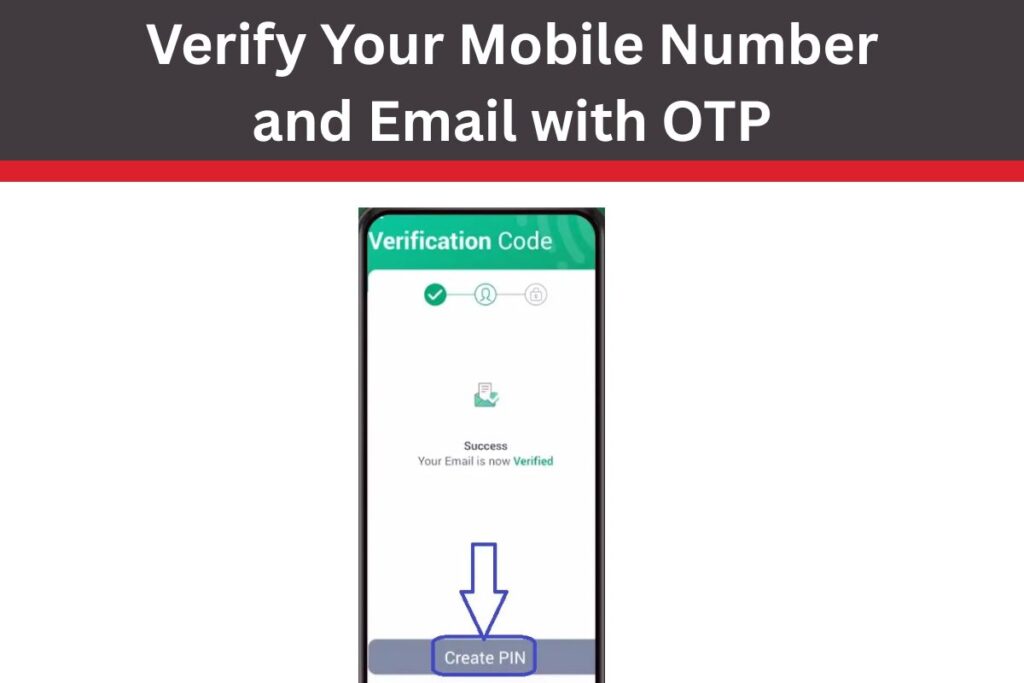
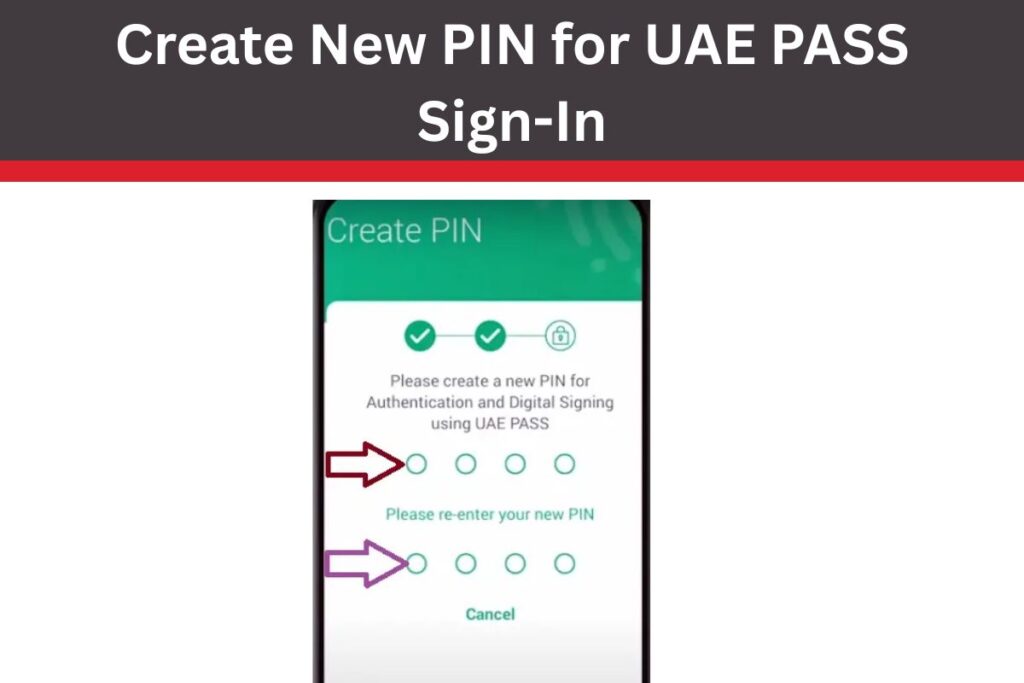
Set PIN: Choose a 4-digit PIN (easy to remember), confirm twice.
Done!: Message says “Well Done, Basic Account created”—tap “Verify later” to finish.
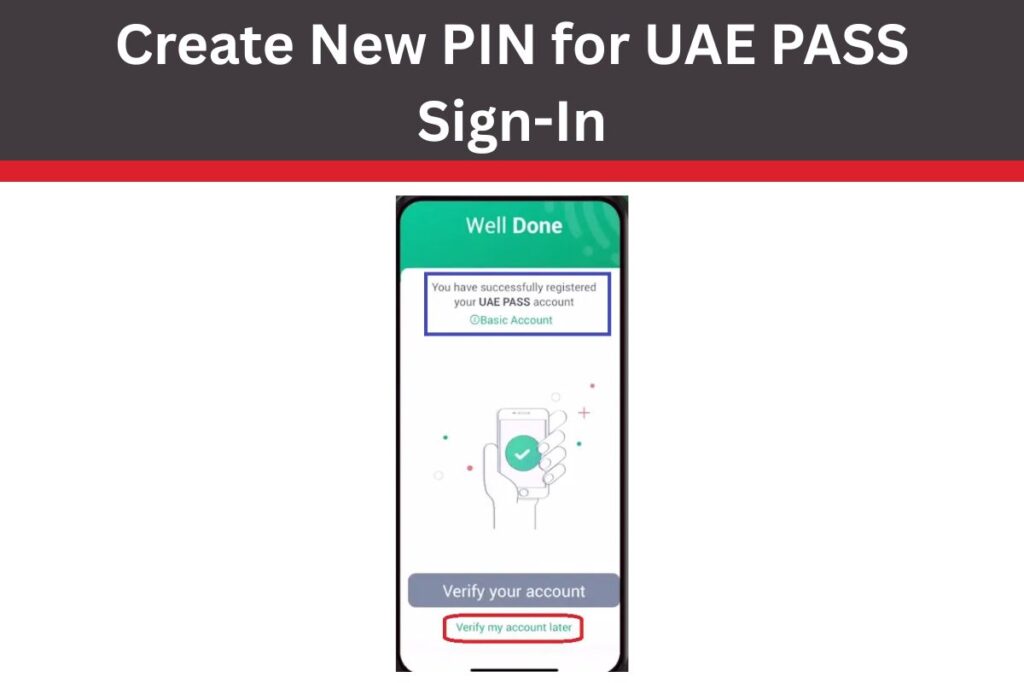
Boom—your basic UAE PASS is live. Use PIN or face ID for future logins.
Here’s a quick table of the steps:
| Step | Action | Tips |
|---|---|---|
| 1 | Open App | Ensure stable internet |
| 2 | Create Account | New users only |
| 3 | Accept T&Cs | Toggle on |
| 4 | No Emirates ID | Key for basic setup |
| 5 | Name Entry | Match passport |
| 6 | Mobile/Email | Active UAE number |
| 7 | OTP Verify | Check spam for email |
| 8 | Create PIN | 4 digits, memorable |
| 9 | Finish | Account ready |
Pro tip: Use UAE mobile for SMS—international numbers work but may delay OTP.
Features of UAE PASS Basic Account (Without Emirates ID)
Your basic account isn’t full-powered, but it’s a solid start in 2025:
| Available Features | Details |
|---|---|
| Limited Service Access | Log into select apps (e.g., Dubai Now for fines, MOHRE job search) |
| Document Verification | Scan/verify docs via app |
| Basic Profile | View linked services |
It gets you in the door—great for tourists paying traffic fines or expats checking visa status pre-ID.
Unavailable Features in Basic Account
Basic has limits—identity unverified means no advanced perks:
| Unavailable Features | Why Restricted |
|---|---|
| Digital Signature | Needs verified ID |
| Add Documents | Upload blocked |
| Digital Vault | Court-approved signing unavailable |
| Full App Access | 80% services require verification |
Upgrade later for these—see below.
Types of UAE PASS Accounts
UAE PASS offers three tiers in 2025—choose or upgrade based on needs:
| Account Type | Requirements | Features | Best For |
|---|---|---|---|
| Basic | Mobile + Email | Limited access, verify docs | Newcomers, tourists |
| Advanced | Passport/GCC ID | Digital signature, add docs | Expats with passport |
| Qualified | Emirates ID + Biometrics | Full access, Digital Vault | Residents, citizens |
Basic is your entry; upgrade via app when ready.
How to Upgrade UAE PASS Account from Basic
Got your Emirates ID or passport? Level up in minutes:
- Open App: Log in with PIN.
- Profile Section: Tap profile icon > “Upgrade Account.”
- Choose Tier: Advanced (passport) or Qualified (Emirates ID).
- Scan Document: Camera opens—align passport/ID.
- Face Verification: Smile for biometric scan.
- OTP Confirm: Enter code—done!
2025 update: AI verification speeds it to 1 minute. Helpline 600 56 1111 if stuck.
Also Check:- Save Money in Dubai 2025: Budget Tips for Living and Visiting
Benefits of UAE PASS Registration
Even basic unlocks perks:
- Convenience: One login for 100+ services—no more passwords.
- Security: Biometrics + OTP beat paper forms.
- Time-Saver: Renew visas, pay bills from couch.
- Tourist-Friendly: Fines, transport apps work.
- Future-Proof: Upgrade seamlessly for full digital UAE life.
In 2025, 90% government transactions are UAE PASS-only—get ahead.
Common Issues and Fixes
- OTP Not Received?: Check spam, use UAE SIM, retry after 5 minutes.
- Name Mismatch?: Must match passport—edit carefully.
- App Crashes?: Update to latest version, clear cache.
- No Access?: Basic limits some apps—upgrade for more.
Email support@uaepass.ae or call 600 56 1111 (24/7).
Also Check:- Riverland Dubai Metro Guide 2025: Routes, Timings, and Easy Access Tips
Final Thoughts
There you have it, friends—creating a UAE PASS account without Emirates ID is a quick 2-minute win in 2025, opening doors to UAE’s digital world via the app. From basic logins to easy upgrades, it’s built for everyone—tourists, new expats, or residents in waiting. Download UAE PASS, follow the steps, and start simplifying life today. Got your account set up? Share how it helped below; let’s spread the ease.